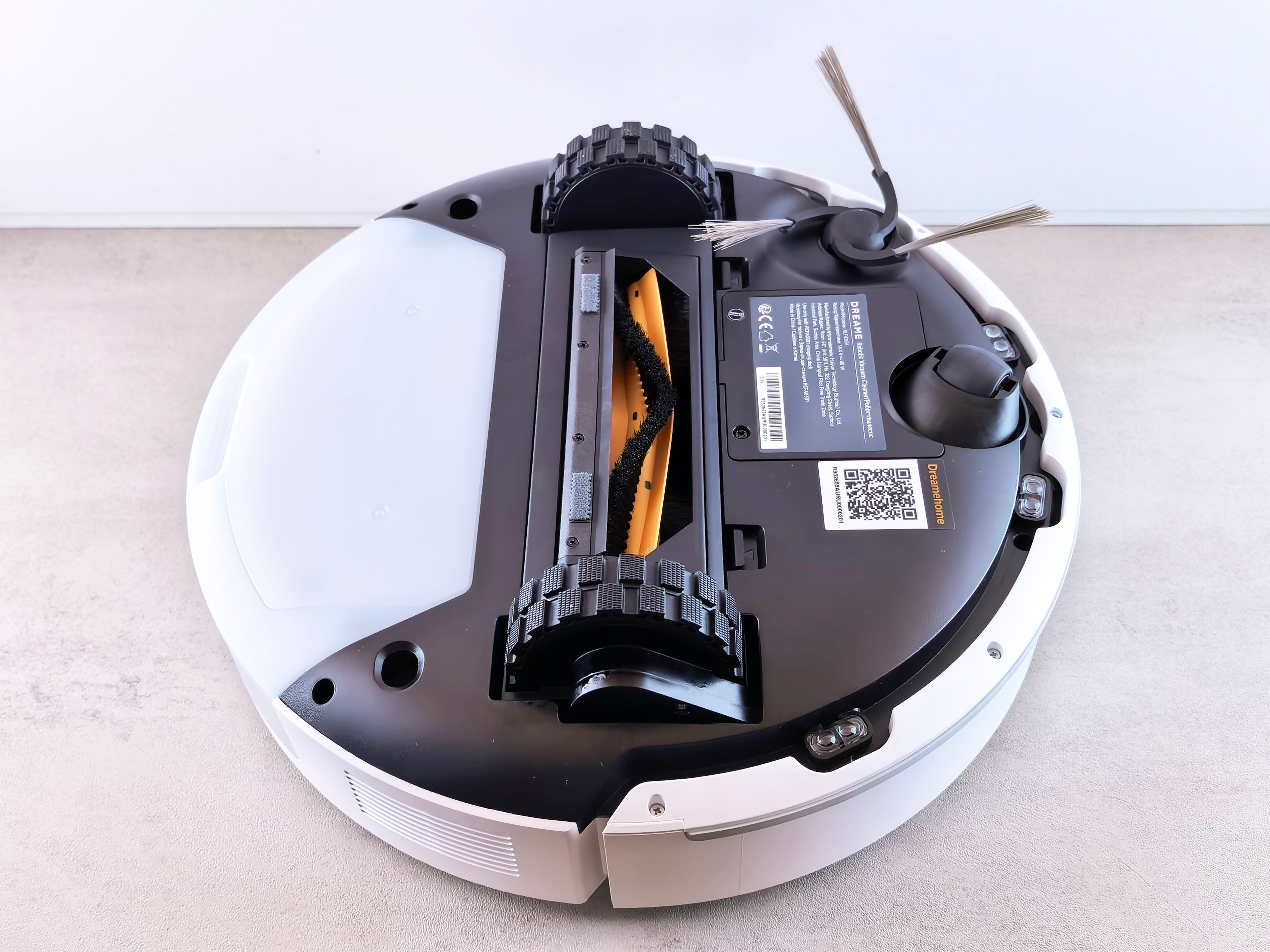
A robot vacuum no longer necessarily just switches on and wanders around. Depending on the model, it may build maps, label rooms, store cleaning history, use a camera or other environmental sensors, and connect to a manufacturer cloud account for remote control. None of these features proves misuse, but they are good reasons to approach setup as deliberately as you would a camera or another smart-home device.
On 11 June 2026, the UK Information Commissioner’s Office finalised guidance for consumer IoT products. It stresses limiting data collection to what is necessary, clear information, meaningful choice and security throughout the product lifecycle. For a household user, those principles translate into nine practical decisions.
1. Before buying, check what it senses and stores
“Laser navigation”, “camera-based obstacle recognition”, “remote viewing” and “multi-floor mapping” are not the same feature. Check the manufacturer’s product page and privacy notice to see which sensors the exact model uses, whether it creates images or video, where data is processed, and whether a cloud account is necessary for core functions.
The important question is not whether the vacuum is “smart”, but what is needed for the functions you actually want. If scheduled cleaning is enough, you may not need remote camera viewing, voice control or a linked third-party account.
2. Review app permissions one by one
The setup app may request location, Bluetooth, nearby-device discovery, camera, microphone, photos or contacts. Some permissions may be genuinely necessary for pairing; others support optional features. Do not automatically select “allow all”.
Grant only the access justified by the task. If your phone offers it, choose “only while using the app”. After pairing, revisit the app permissions in the phone settings and remove anything that is no longer needed.
3. Use a strong, separate account password
Do not reuse your email, social-media or other smart-device password for the robot vacuum account. If the device or app offers two-step verification, enable it. The UK NCSC notes that this makes unauthorised access much harder even if someone obtains the password.
Change any default password during setup. Use a password manager or a long, unique passphrase; uniqueness and resistance to guessing matter most.
4. Update the device, app and router
Security is not settled once when the box is opened. Firmware, the mobile app and the home router can all receive updates that repair vulnerabilities. Enable automatic updates where available and occasionally check the manufacturer’s support page.
Before buying, also look for the promised security-support period. If the manufacturer does not communicate it clearly, treat that as a real purchasing factor: a sound motor does not make an abandoned software platform safe over the long term.
5. Switch off features you do not use
If you do not need to start the vacuum from outside your home, disable remote access. The same principle applies to remote camera viewing, voice assistants, shared family access and marketing-related data sharing.
Not everyone needs to disable every convenience feature, but each enabled connection may introduce another account, permission or data flow. Keep what you actually use and review the settings periodically.
6. Treat the map as household data
Room layout, labels, no-go zones and cleaning routines can collectively reveal how a home is used. Where possible, avoid room names tied to a person, such as “Anna’s room”; “bedroom”, “office” or neutral numbering adds less information.
Check whether maps are stored locally or in the cloud, how long they are retained, whether they can be exported and how they can be deleted. In a multi-floor home, keep only the maps you genuinely need.
7. Set sensitive zones on camera-equipped models
If the robot uses visual obstacle recognition or remote camera viewing, decide where it should not enter. For a bedroom, child’s room, home office containing documents or another sensitive area, use a no-go zone, a closed door or a physical barrier.
Also check whether the app saves obstacle images, screenshots or event history. If it does, choose a short retention period or regular deletion when the option exists.
8. Separate smart devices if your network supports it
Many newer routers can create a guest network or a separate IoT network. This can help keep robot vacuums and other smart devices away from the same network segment as computers and family storage. Names and capabilities vary, so follow the router manufacturer’s documentation.
Network separation does not replace a strong password, updates or privacy settings. It is an additional layer. If a required feature stops working, do not open unrestricted access by trial and error; check the manufacturer’s guidance.
9. Erase everything before sale, gifting or disposal
Deleting the app from a phone usually does not erase the cloud account, maps or information stored on the device. Remove shared users, delete maps and history, unlink the robot from your account, and then perform a factory reset according to the manual.
If you no longer need it, delete the manufacturer account as well, or request erasure of your data. The FTC’s advice for selling a smart home follows the same principle: remove administrative access and personal information, then reset connected devices to factory settings.
Five-minute setup checklist
- Have you checked the sensors and cloud services used by the exact model?
- Did you grant only the phone permissions that are necessary?
- Are you using a unique password and two-step verification, if available?
- Are the robot, app and router up to date?
- Did you switch off unused remote, camera and sharing features?
- Are room names neutral and stored maps limited to what you need?
- On a camera-equipped model, have you excluded sensitive areas?
- If supported, is the device on a separate guest or IoT network?
- Do you know how to erase its data and perform a factory reset?
Menu names and available protections differ by model. This guide does not replace the manufacturer’s manual and privacy notice; it provides an order of checks so convenience features do not remain unnoticed privacy decisions.
ICO — consumer IoT guidance, finalised 11 June 2026
ICO — Smart products: consumer privacy guidance
UK National Cyber Security Centre — Smart devices: using them safely in your home
U.S. Federal Trade Commission — Buying or selling a smart home
Editorially reviewed content